
5 Signs Your Business Has Outgrown Spreadsheets
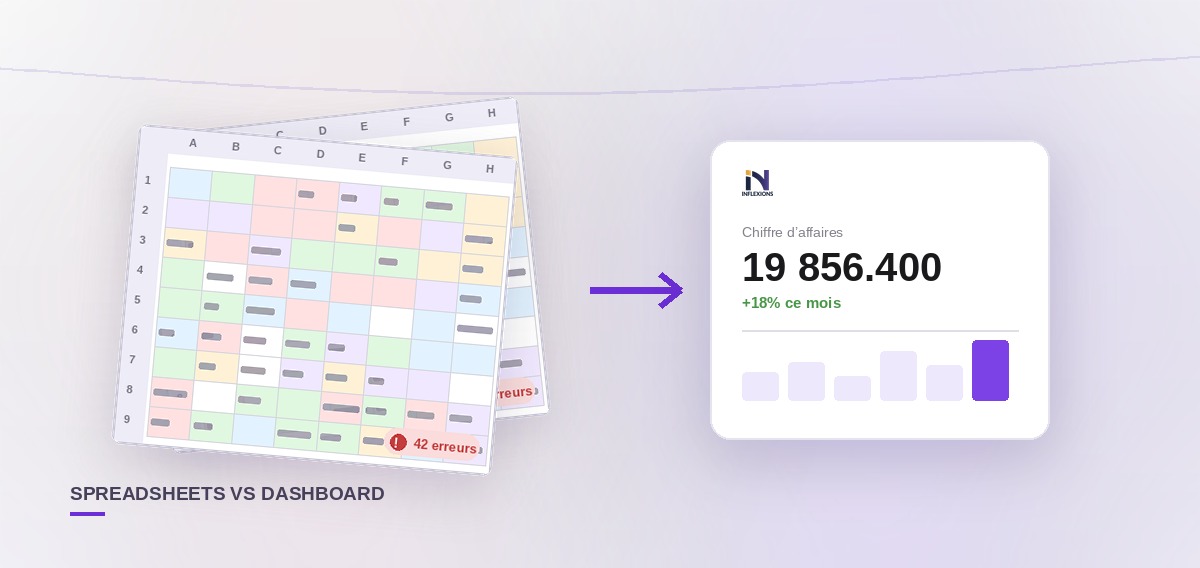
The spreadsheet trap
Every business starts with spreadsheets. They're free, flexible, and familiar. You track sales in one tab, inventory in another, and customers in a third. It works perfectly... for the first few months.
Then your business grows. You hire a second person. You add a warehouse. You start selling in multiple currencies. And suddenly, the spreadsheet that held everything together starts falling apart.
Here are five signs that it's time to move on.
1. You've had a stock count surprise
You sell a product to a customer, only to discover it's not actually in stock. Or worse — you order 200 units of something you already have 150 of, because the spreadsheet wasn't updated after the last delivery.
The root cause: Spreadsheets don't update in real-time. When one person sells a product and another is checking inventory, they're looking at different versions of the truth.
What an ERP does: Stock levels update the moment a sale is recorded. Low-stock alerts fire automatically when quantities drop below your threshold. Every warehouse shows its current, accurate inventory.
2. You can't answer "How much do we owe?" instantly
A supplier calls asking about an outstanding payment. You open the spreadsheet, search for their name, cross-reference with your bank statements, and 20 minutes later you have an approximate answer.
The root cause: Spreadsheets don't link purchases to payments automatically. You're maintaining two separate lists (what you bought vs. what you paid) and reconciling them manually.
What an ERP does: Every purchase is linked to its payments. Outstanding balances are computed in real-time. When the supplier calls, you open their profile and see the exact amount due — in 3 seconds.
3. Your monthly reports take days to compile
Month-end arrives. Your accountant asks for revenue, expenses, profit, and outstanding receivables. You spend two days copying data from different spreadsheets, checking formulas, and hoping nothing got deleted.
The root cause: Financial data lives in multiple files with no single source of truth. Every report requires manual aggregation.
What an ERP does: Reports are generated in real-time from the same database that records your daily operations. Profit & loss, balance sheet, cash flow — all available with one click, always up to date.
4. You've lost data (or almost did)
Someone accidentally deleted a row. Or saved over yesterday's file. Or the hard drive crashed. You spent a weekend reconstructing your sales history from paper receipts and bank statements.
The root cause: Spreadsheets are files. Files get corrupted, deleted, and overwritten. There's no audit trail, no versioning, and no automatic backup.
What an ERP does: Cloud-based systems backup your data daily. Every change is logged in an audit trail (who changed what, when). Soft-delete means nothing is ever truly lost — deleted records can be restored.
5. Your team can't work at the same time
Two people open the same spreadsheet. One adds a sale, the other updates a price. When they save, one person's changes overwrite the other's. You've tried shared drives, Google Sheets, even emailing files back and forth. Nothing works reliably.
The root cause: Spreadsheets weren't designed for concurrent multi-user access to structured business data.
What an ERP does: Multiple users work simultaneously on the same system. Sales, purchases, and inventory update in real-time for everyone. Role-based permissions ensure each person sees only what they need.
What to look for in your first ERP
If you recognized yourself in three or more signs above, it's time to consider an ERP. Here's what matters for a small business:
- Easy setup: If it takes weeks and a consultant to get started, it's too complex. Look for guided onboarding that takes minutes, not months.
- Affordable pricing: Per-company pricing (flat fee) is more predictable than per-user pricing. Some ERPs like Inflexions start with a free tier.
- Cloud-based: No installation, automatic backups, access from anywhere.
- Accounting built in: Don't buy separate software for invoicing and accounting. The best ERPs generate journal entries automatically from your sales and purchases.
- Language support: If your team works in multiple languages, the ERP should support them all.
The bottom line
Spreadsheets are a tool. ERPs are a system. The difference is that a system connects your sales, inventory, accounting, and customer data into one coherent whole — so you spend your time running your business, not maintaining your spreadsheets.
The best time to switch was six months ago. The second best time is now.
Ready to take action?
Try Inflexions for free — no credit card, no installation.